SDL/RWS MultiTerm
SDL/RWS MultiTerm useful and interesting links
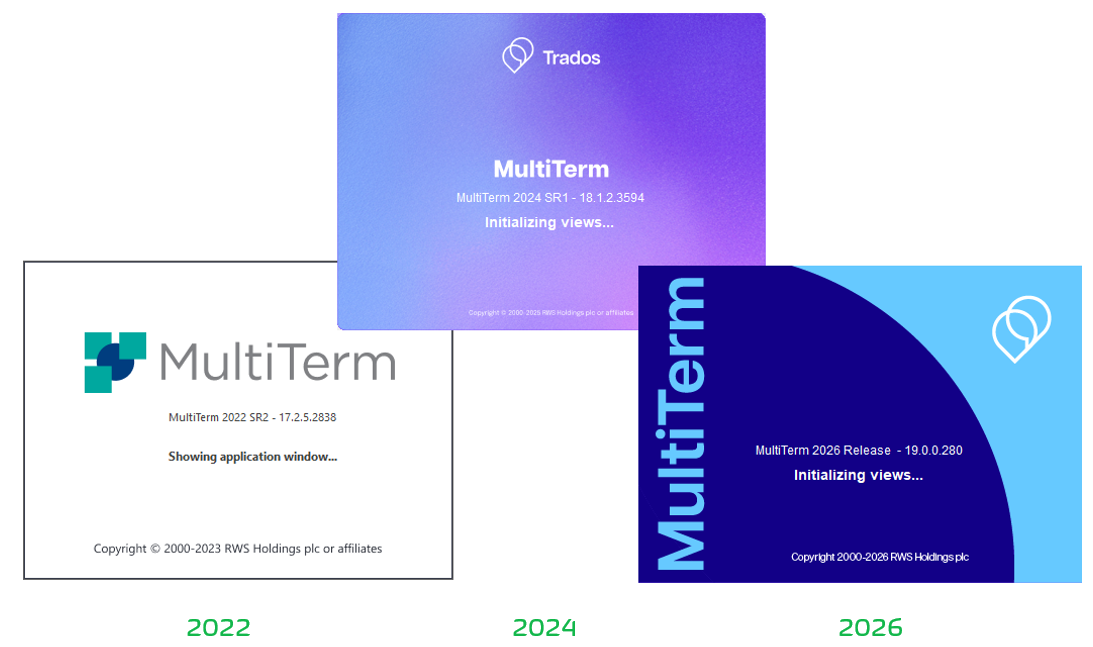
MultiTerm 2022, 2024 and 2026 continued to use practically the same application framework of previous versions, that is, the same look and feel. The only distinction being the above splash screens, but the functionality is the same across the board.
• The latest iteration, called Multiterm 2026 Release, will allow the user to open any MultiTerm Termbases (.sdltb) all the way down to the MultiTerm 2009 version, something earlier versions could also handle.
• However, MultiTerm 2026 Release cannot connect to Trados Studio 2026 Release, which, in turn as of August 2026, no longer accepts MultiTerm Termbases.
• Trados Studio 2026 introduced a new supporting database technology (SQLite) and now Termbases are called Trados Termbases, with the extension .ttb. These Termbases, in turn, cannot be opened in any version of MultiTerm Desktop, that is, 2026 and previous versions.
Starting with the new brand image established in 2021, MultiTerm would no longer have an SDL prefix. Below you can see the timeline of SDL MultiTerm from 2014 to 2021.
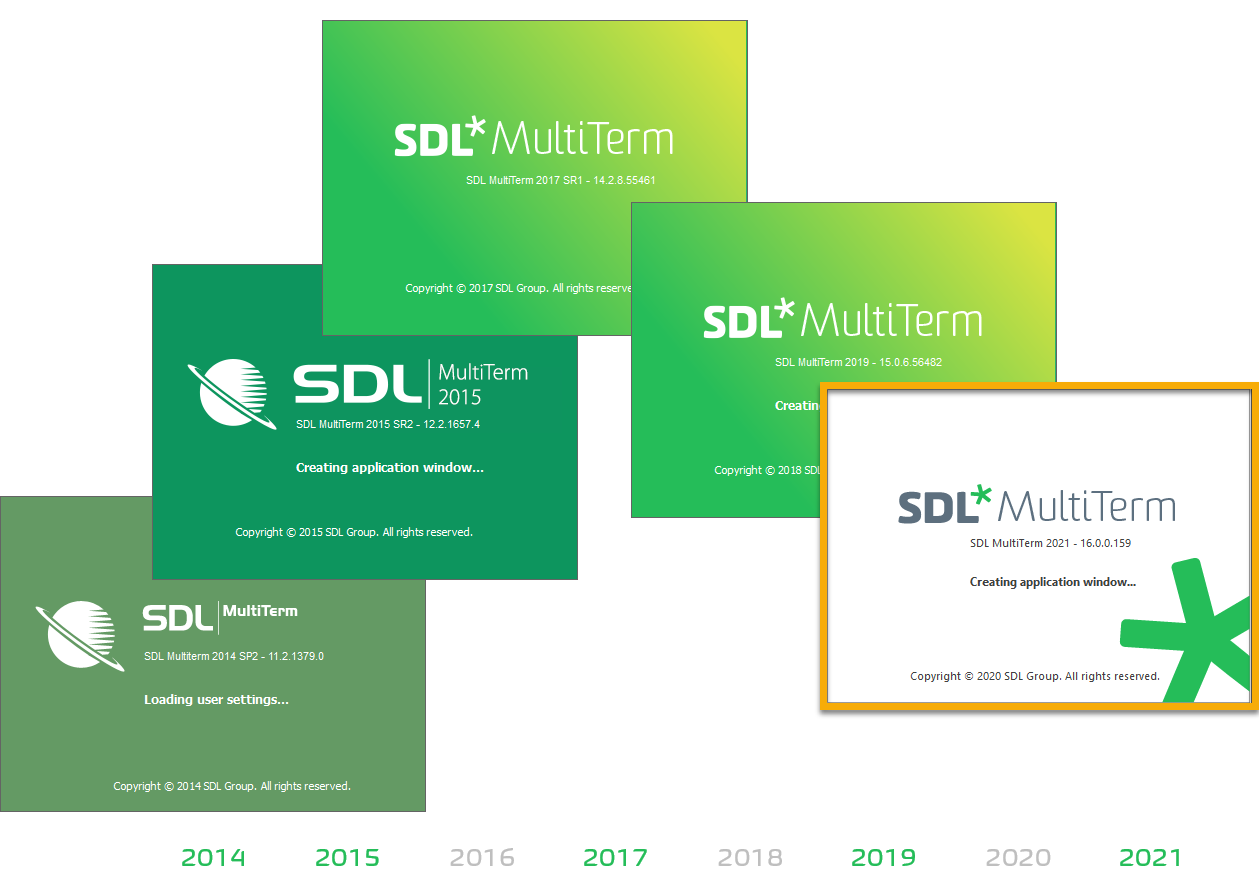
Please note, MultiTerm 2024 was launched in June 2024, and MultiTerm 2022 in May 2022.
You can find more information about MultiTerm 2024 and previous versions at the RWS Documentation Center, a portal with lots of information on installing and using MultiTerm and all its components.
Please note that the old Microsoft Access .mdb file type is no longer used. The new format, since Microsoft Office 2007, is .accdb and its descendant .accde. Please note that the SDL/RWS MultiTerm database model, however, is practically the same since SDL MultiTerm 2011 and SDL MultiTerm 2009.
The MultiTerm Forum in the Translation Productivity Group (in the SDL Community Product Groups)
Train to manage terminology in SDL MultiTerm
Overview of supported versions and end of life dates
Possible search types in MultiTerm Desktop and MultiTerm Online termbases